Furniture in context
Explore home-office, living-room and studio settings from furniture references. For room staging, upload an existing room as the base scene.
 SceneForge
AI product photography
Turn product photos into lifestyle scenes for your store, campaigns and social posts. Start with your own reference images, describe the setting, then refine the result in SceneForge.
5 free image generations total. No card required. Sign in for up to 2K.

Explore photography styles
Explore two photography directions: a studio product shot and fashion in context. Use them as inspiration for your own brief.
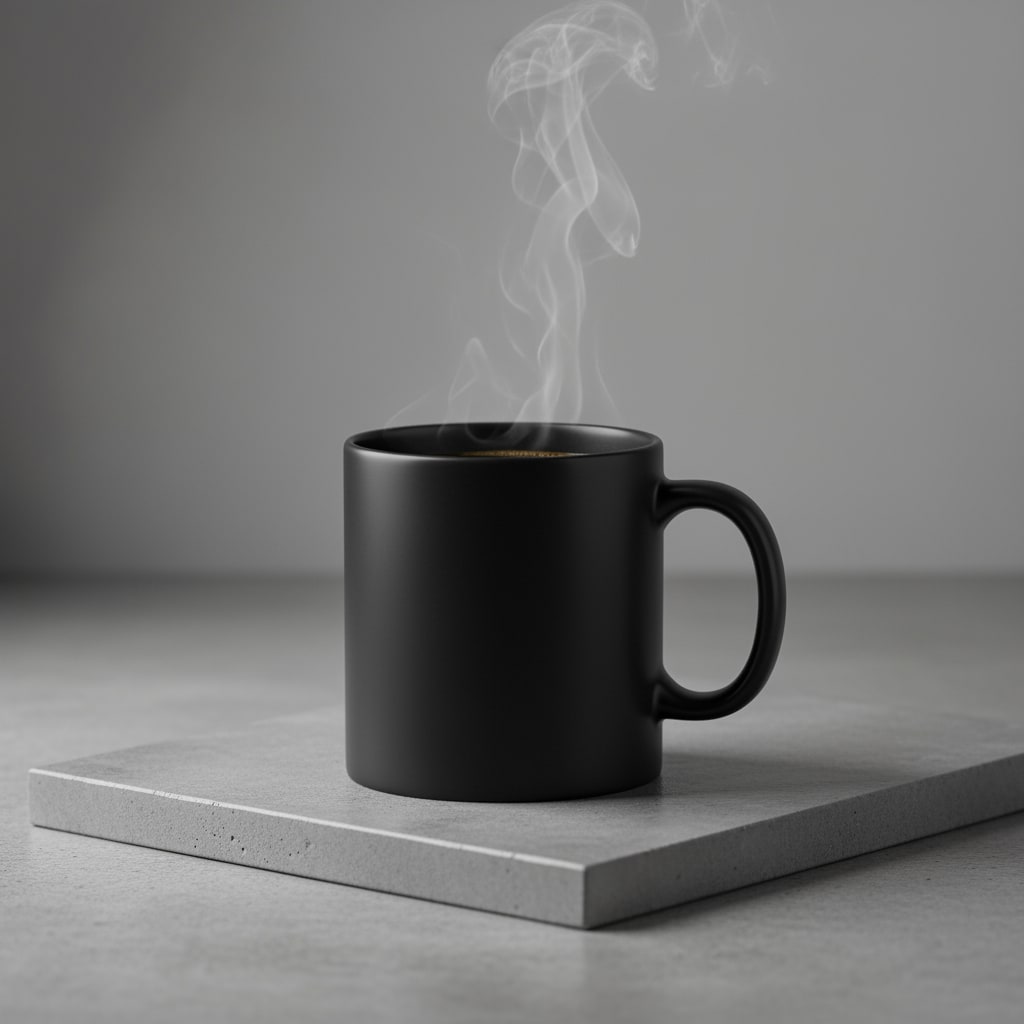
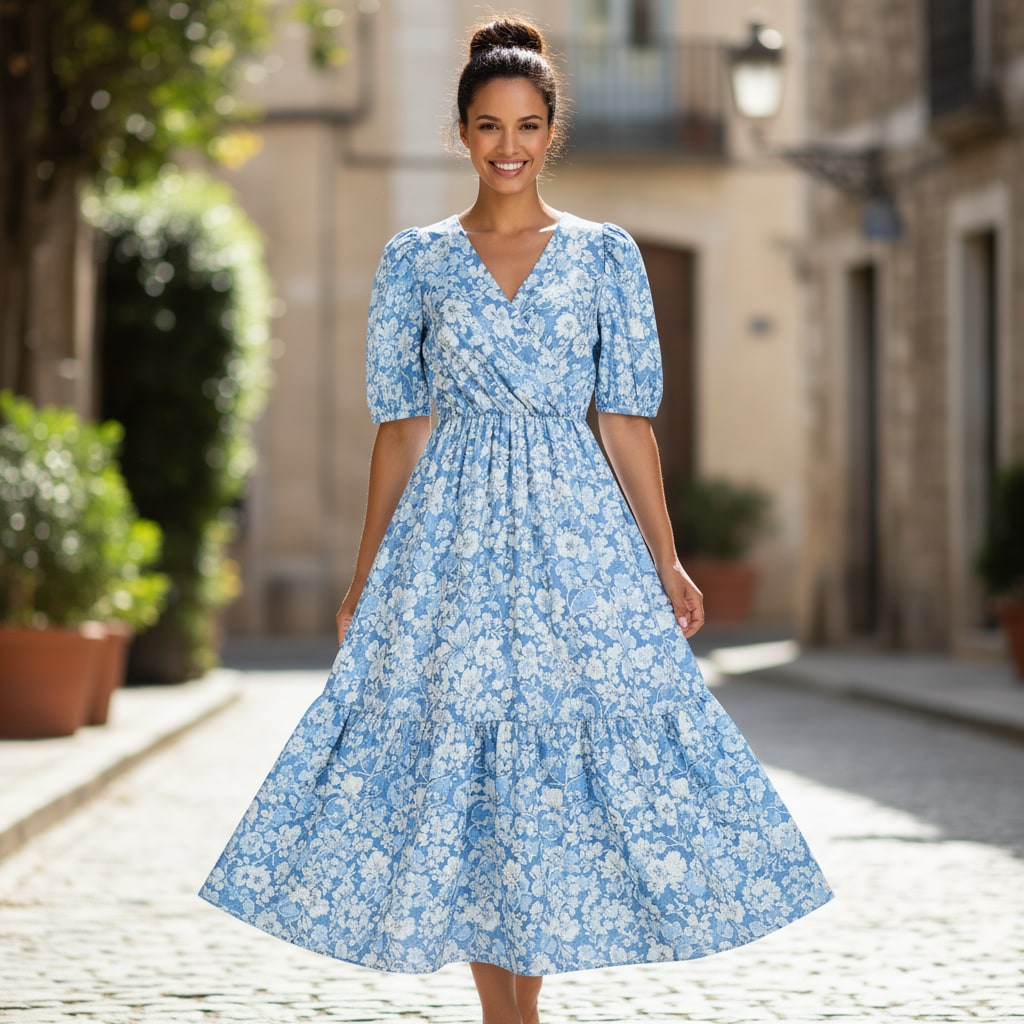
Start with your own product references and use lighting, materials and composition to shape the scene.
How it works
Upload clear product photos from useful angles, or open a built-in example. Reference images give the model a view of the shape, materials and details to preserve.
Choose the setting, lighting and composition. Use the prompt builder for a starting point, and select an aspect ratio and image size for your placement.
Ask for changes in the same scene, then inspect the product before downloading. You can send an approved result to the video workspace to add motion.
Made for product work
Explore home-office, living-room and studio settings from furniture references. For room staging, upload an existing room as the base scene.
Create jewelry, footwear and accessory compositions with the lighting and framing your campaign needs.
Develop variations around a chosen scene and use your best approved image as the opening frame for a short product video.
Simple allowances
Start with 5 images total and 3 free 5-second videos once per eligible verified account. All prices in USD.
$19/month
$49/month
$129/month
Need extra video? A $29 one-time pack adds 10 non-expiring video credits to any account. One credit makes a 5-second clip; two make 10 seconds. Trial credits make 5-second clips only.
Image and video allowances are separate. Monthly allowances renew after successful payment, expire at the paid period boundary and do not roll over. Each new creative generation uses its corresponding allowance. Any launch bonus is separate from recurring monthly credits.
Try product photographyBefore you begin
Yes. Upload product reference images directly in the image workspace. Clear views of the product help; you do not need a 3D model. Direct 3D-file uploads are not available.
Yes. Request refinements within the same scene. Free accounts have 1 refinement per scene, Starter 2, Pro 4 and Business 5; generations use your image allowance.
Anonymous previews support up to 1K. Signed-in Free and Starter accounts support up to 2K; Pro and Business support up to 4K. The actual dimensions depend on the aspect ratio.
AI generation can change geometry, finishes, logos and fine details. Review the result against your original photos before using it in a listing or campaign. Additional angles can help, but exact product fidelity is not guaranteed.
Try your own reference photos and find a direction for your next creative.
Try product photography